01 / MODEL ROUTER
鲸桥多模型路由WhaleBridge Model Drum
深度适配 DeepSeek 推理流,一键聚合 Claude、OpenAI、Gemini、Qwen 与本地模型,统一管理订阅配额。Tuned for DeepSeek, seamlessly spinning across Claude, OpenAI, Gemini, Qwen & local models.
 鲸屿Whale Isle
WHALE ISLE
v0.3.9 · MIT
鲸屿Whale Isle
WHALE ISLE
v0.3.9 · MIT
开源多智能体 AI 桌面工作台。 Open-source multi-agent AI desktop workspace.
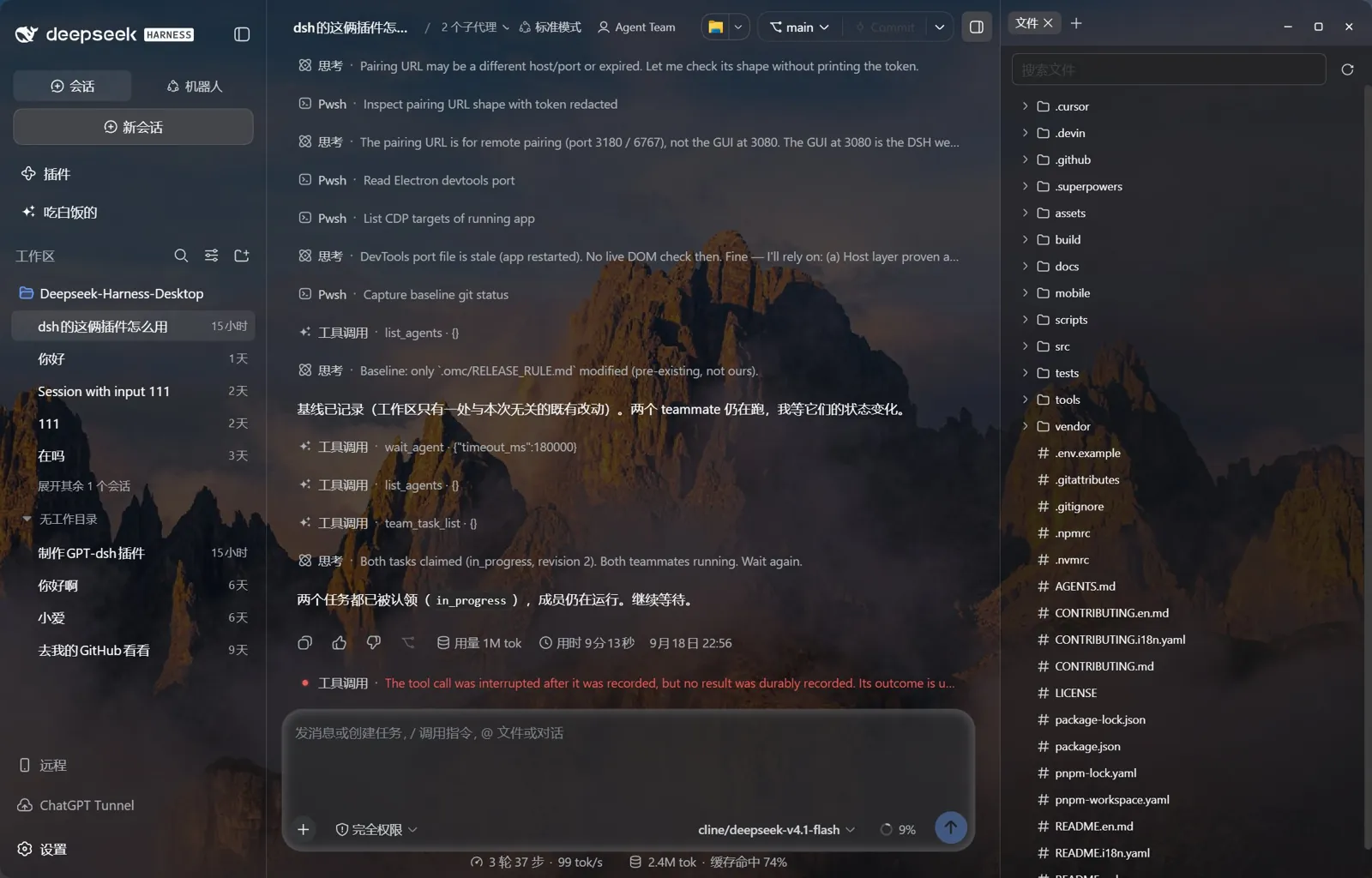
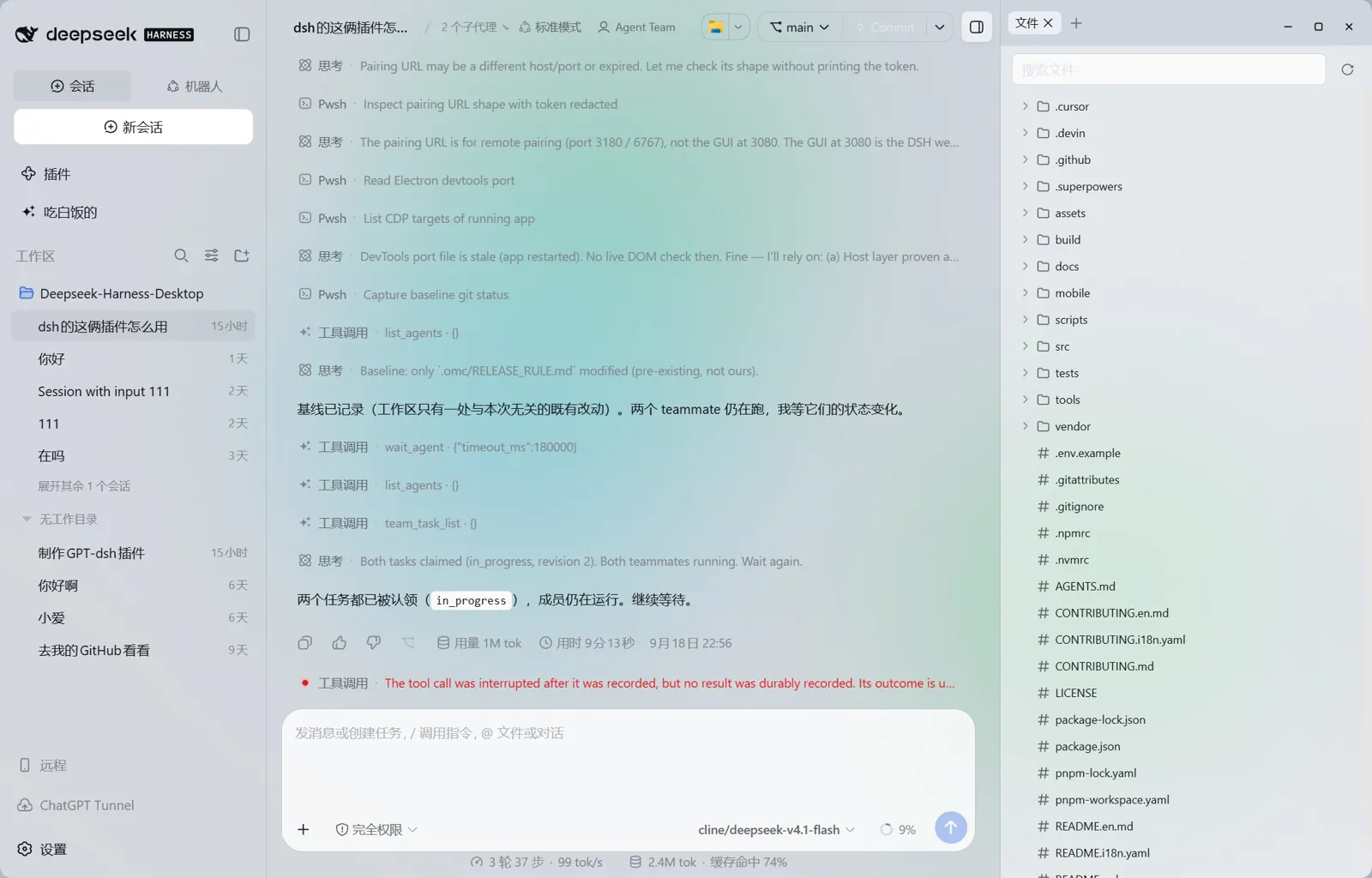
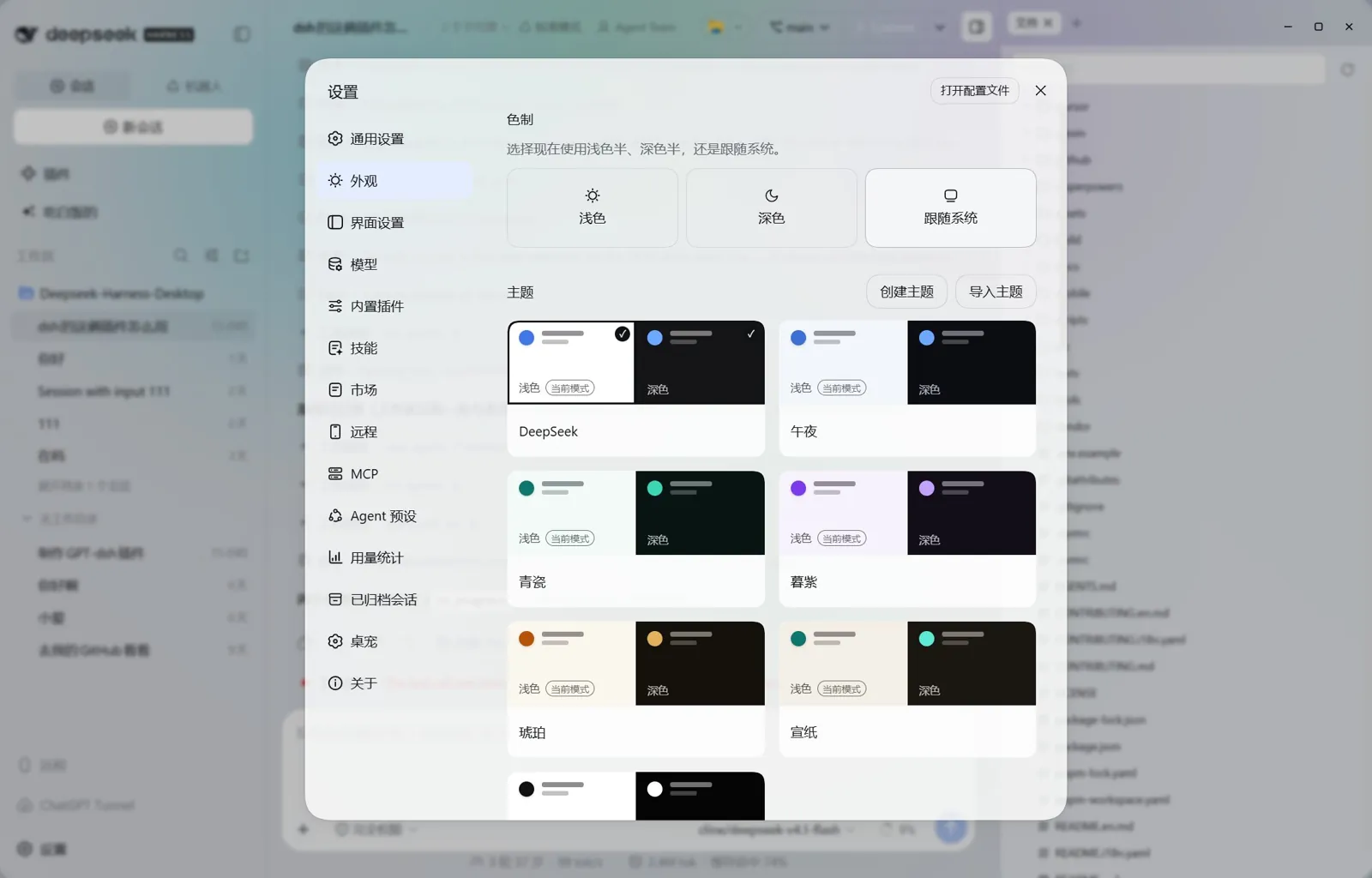
AI 对话、Agent 团队、代码 Diff、内置终端、鲸桥模型路由与 Live2D 鲸鱼娘桌宠,融于同一扇通透视窗。 AI chat, multi-agent teams, code diffs, integrated terminal, WhaleBridge routing & Live2D companion in one window.
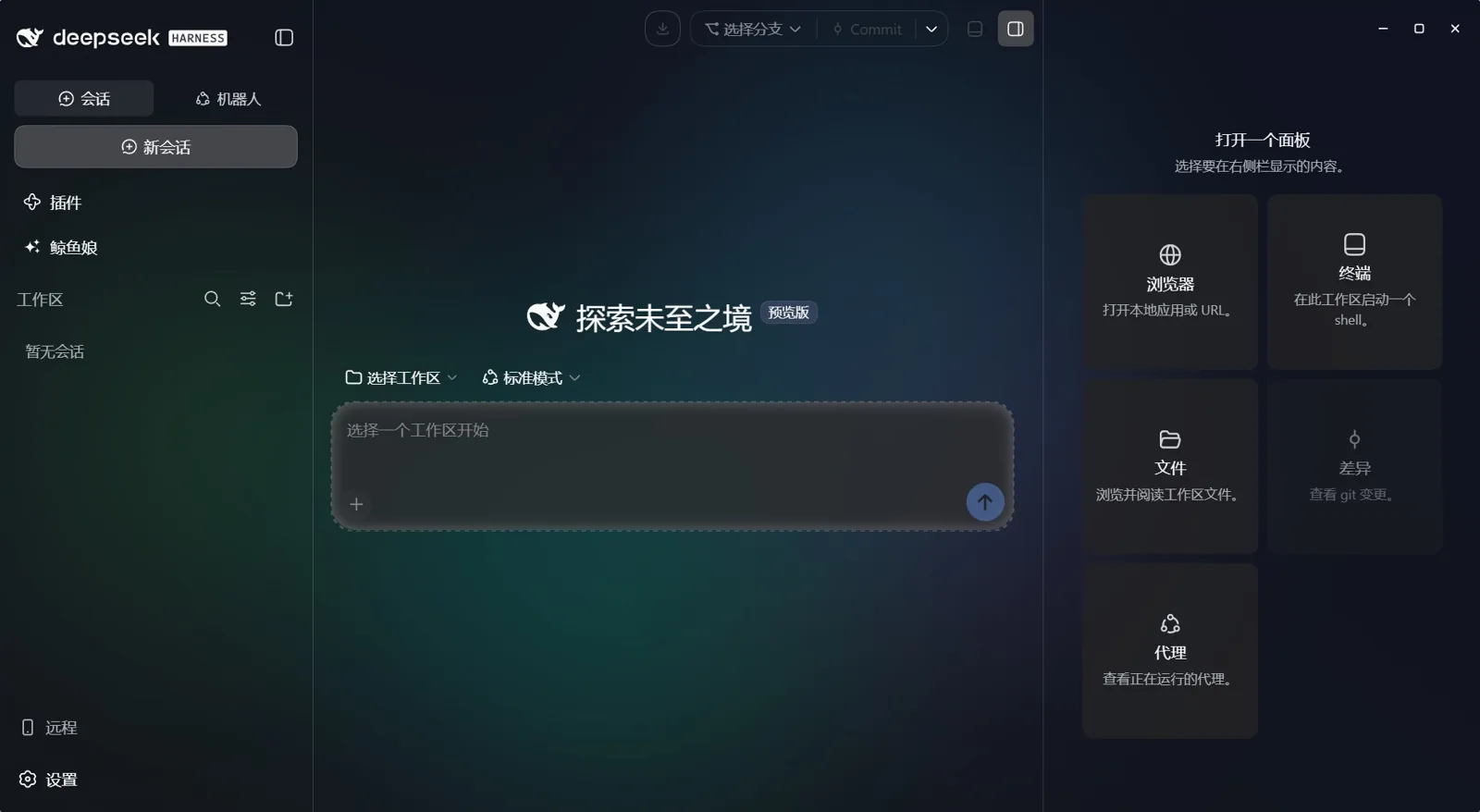
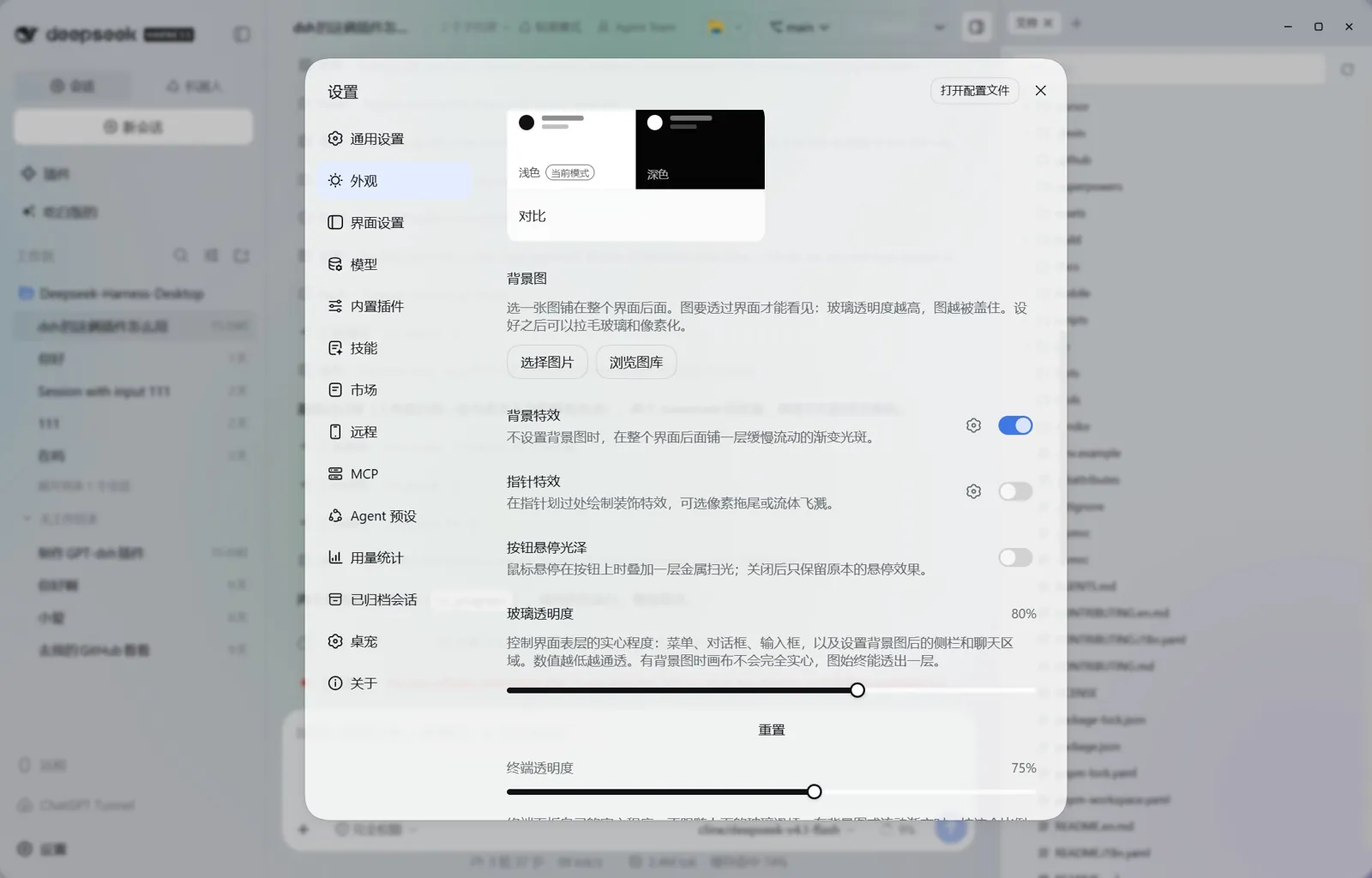
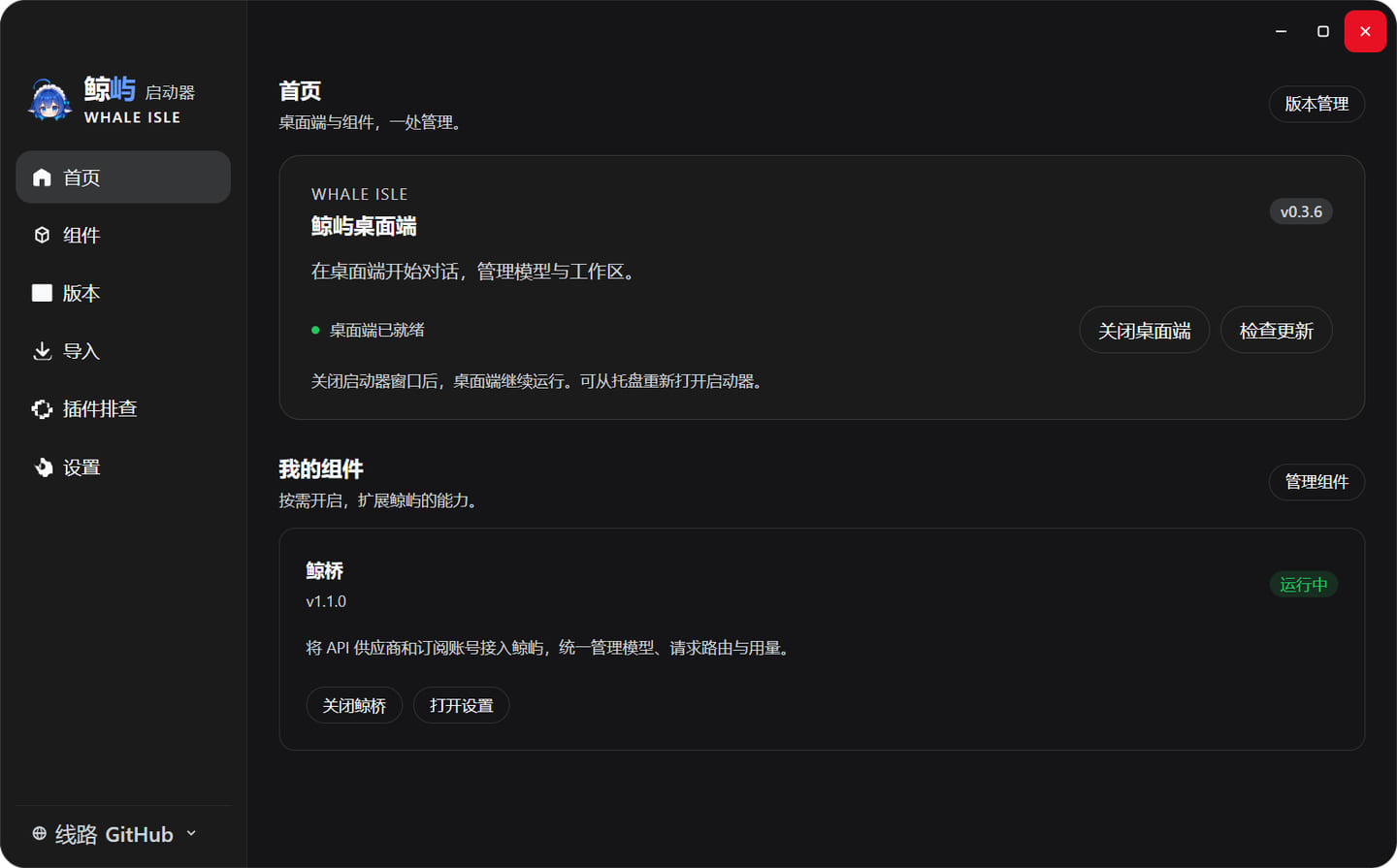
深度适配 DeepSeek 推理流,一键聚合 Claude、OpenAI、Gemini、Qwen 与本地模型,统一管理订阅配额。Tuned for DeepSeek, seamlessly spinning across Claude, OpenAI, Gemini, Qwen & local models.
主代理自动拆解复杂工程,架构、编码、验证三路子代理并行认领任务,实时合流工具执行结果。One prompt branches into parallel Architect, Coder & Verifier subagents working in concert.
内置终端、Git 差异审阅、浏览器预览与远端 MCP 工具服务双向直连,告别多窗口频繁切换。Bi-directional beams bridging local shell, Git diffs & browser preview with MCP servers.
常驻桌面的灵动伙伴,伴随每日编码时长、Token 吞吐与插件技能解锁同步演进三环活力状态。Interactive desktop companion whose tri-ring telemetry evolves alongside your coding flow.
WINDOWS 10+ (x64) · macOS 14+ (APPLE SILICON)
OPEN SOURCE UNDER MIT LICENSE